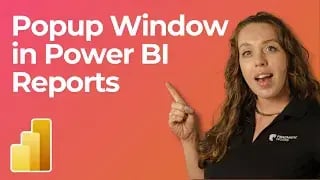
In this tutorial, Allison Gonzalez from Pragmatic Works demonstrates how to create pop-up windows in Power BI reports. These pop-ups allow you to display slicers, text, or other elements only when needed, saving valuable space on your report pages while maintaining functionality. This guide will walk you through setting up pop-ups using bookmarks and buttons in Power BI.
Why Use Pop-ups in Power BI?
Pop-ups are an excellent way to present additional data or functionality, such as slicers or instructions, without cluttering your report page. Users can access the information when needed and hide it when it’s not in use, providing a cleaner and more user-friendly interface.
Types of Pop-ups Covered
- Text Pop-ups: Display instructions or additional information for users.
- Slicer Pop-ups: Provide filtering options without occupying page real estate.
Steps to Create a Pop-up
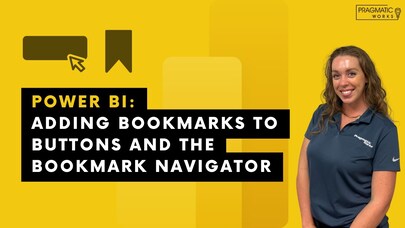
- Set Up Bookmarks:
- Go to the View ribbon and enable the Bookmarks and Selection panes.
- Create a bookmark for the "pop-up on" state with the desired elements visible.
- Hide all the pop-up elements and create another bookmark for the "pop-up off" state.
- Create Buttons:
- Add buttons from the Insert ribbon to toggle the pop-up states.
- Set each button’s action to trigger the corresponding bookmark.
- Handle Slicers:
- If using slicers, ensure that data changes persist by deselecting the Data option in the bookmark settings.
Customizing Your Pop-up
You can enhance the visual appeal of your pop-ups by:
- Adding backgrounds with adjustable transparency for a polished look.
- Using different button shapes or importing custom icons for toggling the pop-up.
- Incorporating text boxes or other visuals as needed.
Key Tips
- Use the Selection pane to organize and manage visible/hidden elements.
- Test your bookmarks and buttons to ensure they function as intended.
Conclusion
Pop-ups in Power BI offer a powerful way to declutter your reports while maintaining functionality. With just bookmarks and buttons, you can provide users with an interactive and seamless experience. Start implementing pop-ups today to elevate your Power BI reports!
Don't forget to check out the Pragmatic Works' on-demand learning platform for more insightful content and training sessions on Power BI and other Microsoft applications. Be sure to subscribe to the Pragmatic Works YouTube channel to stay up-to-date on the latest tips and tricks.






-1.png)
Leave a comment