Write your first script, work with variables, data types, lists, dictionaries, conditions, loops, and functions, then apply your skills through Python Labs.
In Python Fundamentals Part 1, Emily Taylor introduces learners to the core building blocks of Python through a beginner-friendly, hands-on learning experience. This course is designed for students who are new to Python and need a clear foundation before moving into more advanced scripting, automation, or data-focused work. You’ll start with your first script, then build confidence with variables, data types, calculations, lists, dictionaries, conditions, loops, and functions.
This course also introduces the new Python Labs experience, giving learners practical opportunities to apply what they’re learning instead of only watching concepts explained. Each topic builds toward stronger problem-solving habits and a better understanding of how Python code is structured. By the end, you’ll complete a final project that brings the fundamentals together and gives you a meaningful starting point for continuing your Python journey.
Course Outline ( Free Preview)
Module 00 - Introduction
Emily introduces the course and explains what learners will build throughout Python Fundamentals Part 1. You’ll get a clear roadmap of the core Python concepts covered in the course and how the new Python Labs will help reinforce each skill. This module sets expectations for learning Python through both guided instruction and hands-on practice.
Module 01 - First Script
Write your first Python script and get comfortable with the basic structure of Python code. Emily walks through how scripts run, what simple commands look like, and how small pieces of code produce output. This module helps learners take the first real step from watching Python to actually writing it.
Module 02 - Variables32 min.
Learn how variables store information that your Python code can use and update. Emily explains how to name variables, assign values, and think about variables as reusable pieces of data. This module builds one of the most important foundations for writing flexible, useful scripts.
Module 03 - Data Types42 min.
Explore the common data types Python uses to represent different kinds of information. Emily introduces values like text, numbers, and true/false logic so learners understand how Python interprets data. This module helps learners avoid confusion by recognizing that different data types behave in different ways.
Module 04 - Operations and Calculations164 min.
Learn how Python handles basic operations and calculations. Emily shows how to work with numbers, perform arithmetic, and use expressions to produce results. This module helps learners see how Python can process information and turn simple values into useful output.
Module 05 - Lists109 min.
Explore lists, one of Python’s most useful ways to store multiple values together. Emily explains how lists work, how to access items, and why they are helpful when working with groups of related information. This module gives learners a practical foundation for organizing data in code.
Module 06 - Dictionaries56 min.
Learn how dictionaries store information using key-value pairs. Emily explains why dictionaries are useful when data needs labels, categories, or structured lookup. This module helps learners understand how Python can represent more meaningful information than a simple list of values.
Module 07 - Conditions39 min.
Use conditions to make Python code respond differently based on what is true or false. Emily introduces if statements and explains how decision-making works in a script. This module helps learners move from basic commands into logic that can adapt to different situations.
Module 08 - Loops54 min.
Learn how loops allow Python to repeat actions without rewriting the same code over and over. Emily explains common looping patterns and how they can be used with values, lists, and repeated tasks. This module helps learners write code that is more efficient, scalable, and practical.
Module 09 - Functions86 min.
Explore functions and how they help organize code into reusable blocks. Emily explains how functions are created, called, and used to keep scripts cleaner and easier to manage. This module helps learners start thinking like programmers by breaking work into smaller, repeatable steps.
Module 10 - Final Project11 min.
Bring everything together in a final project that applies the core concepts from the course. Learners will use scripts, variables, data types, calculations, lists, dictionaries, conditions, loops, and functions in a more complete workflow. This module reinforces the fundamentals and gives learners a practical milestone to build from.
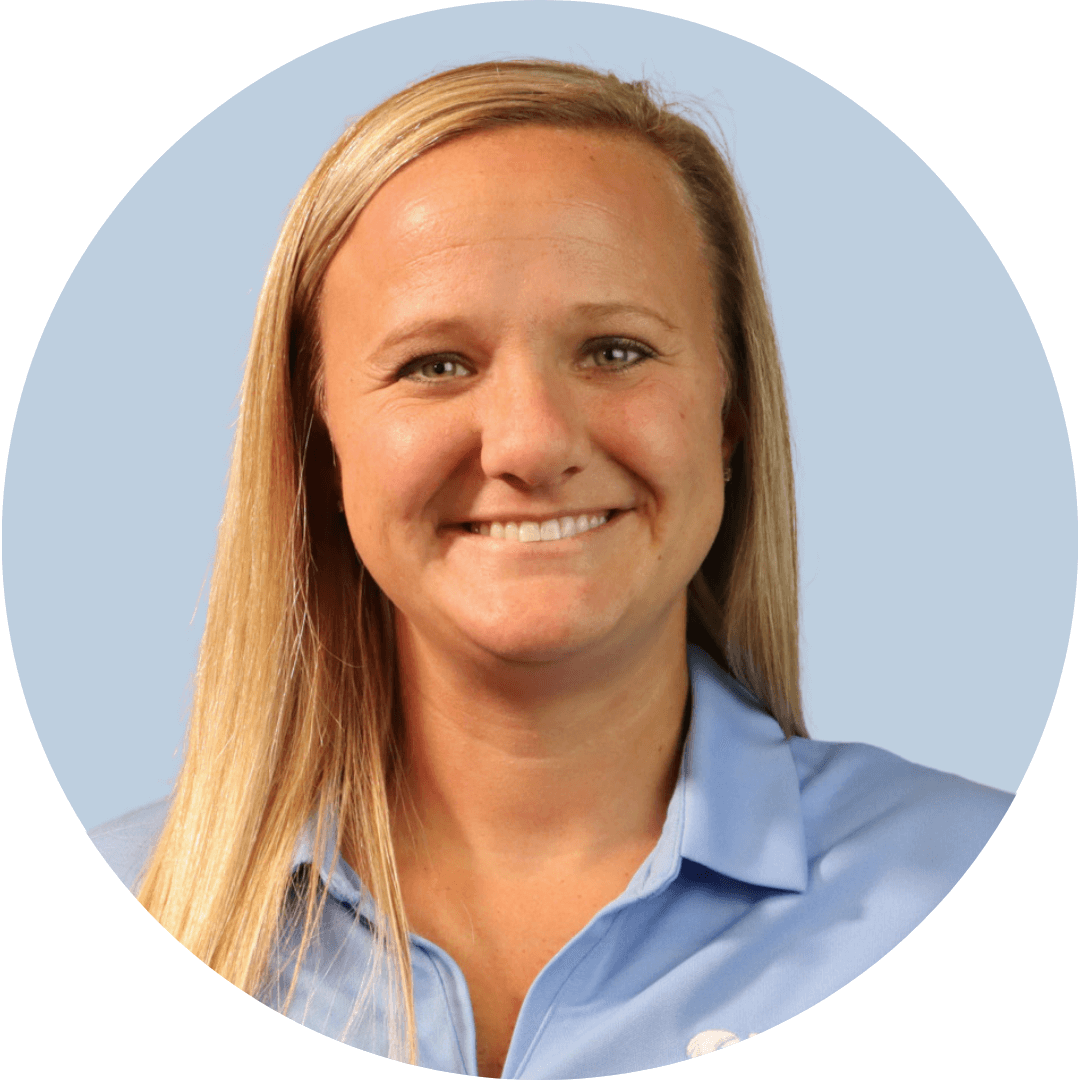
Emily graduated from Indiana University with a bachelor's degree in elementary education and the University of North Florida with a master's degree in educational leadership. After 11 years of teaching varying grades (K-5) in Indiana and Florida, she joined the Pragmatic Works team as a Power BI Trainer. Emily's primary goal is to provide engaging trainings that help customers gain confidence using Power BI. When not in the office, Emily enjoys camping, the beach, cheerleading, and visiting family in Indiana.